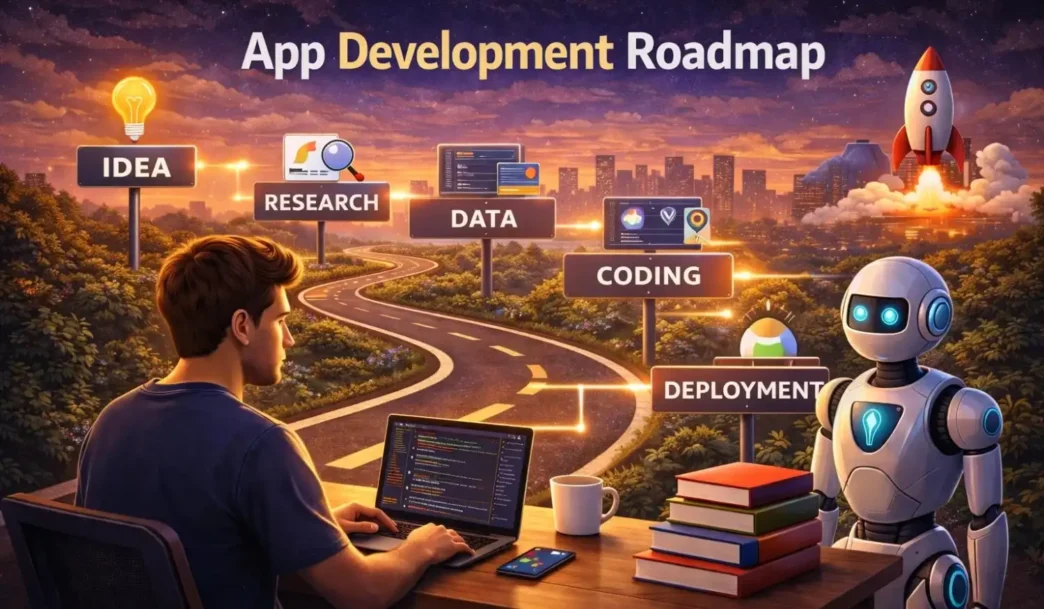
Discover the complete App Development Roadmap for beginners in 2026. Learn programming skills, tools, backend, monetization strategies, and how to become a professional app developer step by step.
App Development Roadmap
Mobile apps are no longer just software programs — they are businesses, career opportunities, and powerful income sources. Whether you are a student, freelancer, or entrepreneur, understanding a structured App Development Roadmap will help you move from beginner to professional level efficiently.
This guide will walk you step-by-step through everything you need to learn and build to become a successful app developer in 2026.
Learn Programming Fundamentals
Before building apps, you must understand core programming concepts. Skipping this stage creates long-term problems.
Key Concepts to Learn:
- Variables and Data Types
- Loops and Conditional Statements
- Functions
- Arrays and Objects
- Object-Oriented Programming (OOP)
Best Languages to Start With:
- Android Development: Kotlin or Java
- iOS Development: Swift
- Cross-Platform Development: Flutter (Dart) or React Native
For beginners, Flutter is a great choice because you can build both Android and iOS apps using a single codebase.
Spend at least 2–3 months mastering the basics before moving forward.
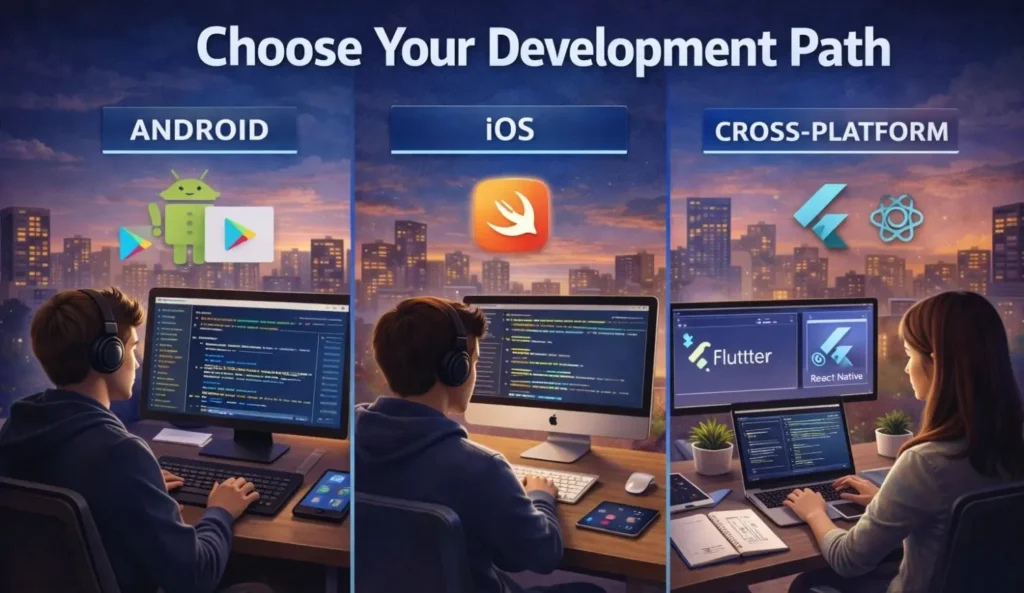
Choose Your Development Path
Once you understand programming fundamentals, decide what type of apps you want to build.
Android Development
- Large user base
- Easier publishing process
- Lower initial cost
iOS Development
- Higher revenue potential
- Strong ecosystem
- Requires Mac system
Cross-Platform Development
- Single codebase for multiple platforms
- Faster development cycle
- Ideal for startups and freelancers
Choosing the right path early will save you time and confusion later.
Master UI/UX Design Basics
A functional app is not enough — it must also be visually appealing and user-friendly.
Important UI/UX Skills:
- Layout structure
- Color theory
- Typography basics
- User journey mapping
- Wireframing
Popular Design Tools:
- Figma
- Adobe XD
- Canva (for simple mockups)
Apps with better user experience have higher retention rates and better reviews.
Learn Backend Development
Most modern apps require a backend for authentication, data storage, and real-time features.
What Backend Includes:
- Database management
- User authentication
- APIs
- Cloud storage
- Push notifications
Beginner-Friendly Backend Tools:
- Firebase
- Supabase
- Node.js
- Django
Firebase is especially recommended for beginners because it handles authentication, database, and hosting in one platform.
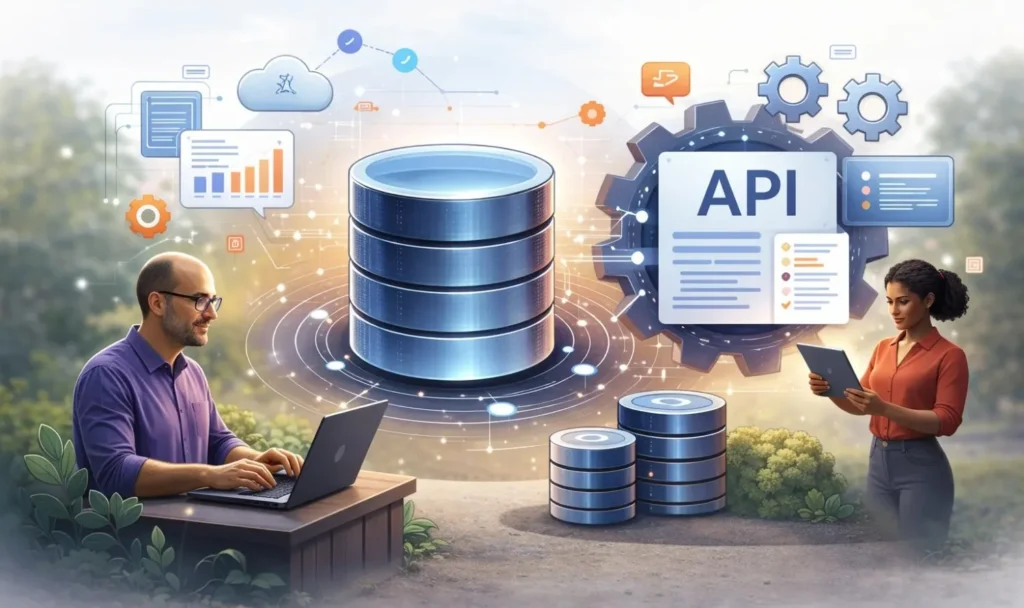
Understand Databases & APIs
If your app stores user data or communicates with other services, you need database and API knowledge.
Types of Databases:
- SQLite (local storage)
- Firestore (cloud-based)
- MySQL
What is an API?
An API allows two software systems to communicate with each other. For example, a weather app uses an API to fetch live weather data.
Understanding API integration is essential for building dynamic apps.
Testing and Debugging Skills
No app is perfect in the first version. Testing ensures your app runs smoothly.
Types of Testing:
- Unit Testing
- UI Testing
- Performance Testing
Learn how to debug errors effectively. Professional developers spend a significant amount of time fixing issues and improving performance.

Learn App Monetization Strategies
If your goal is income generation, monetization planning should be part of your roadmap.
Common Monetization Models:
- Google AdMob Ads
- In-App Purchases
- Subscriptions
- Affiliate Integration
- Sponsored Content
For beginners, combining a free app with ads is the easiest way to start generating revenue.
Publishing Your App
After development and testing, the next step is publishing.
For Android:
- Create Google Play Console account
- Prepare app bundle (AAB file)
- Add screenshots and description
- Submit for review
For iOS:
- Create Apple Developer account
- Prepare app build
- Submit via App Store Connect
Before publishing:
- Optimize app title with keywords
- Write SEO-friendly description
- Add high-quality screenshots
- Create a privacy policy
App Store Optimization (ASO) improves visibility and downloads.
Advanced Development Skills
To move from intermediate to professional level, you must learn advanced concepts.
Advanced Skills to Focus On:
- State Management
- Clean Architecture
- App Performance Optimization
- Security Best Practices
- CI/CD (Continuous Integration & Deployment)
These skills make your apps scalable and production-ready.

Build Real Projects & Portfolio
Learning without building is ineffective. Real-world projects build confidence and credibility.
Beginner Project Ideas:
- Quiz App
- Expense Tracker
- Task Manager
- Notes App
- Reward-Based App
- AI Study Helper
Upload your code to GitHub and publish at least one live app. A strong portfolio increases job and freelance opportunities.
Career Opportunities in App Development
App development offers multiple income paths:
Full-Time Jobs
- Android Developer
- iOS Developer
- Flutter Developer
- Backend Developer
Freelancing
- Fiverr
- Upwork
- Freelancer
Entrepreneurship
Build your own app and generate passive income through ads, subscriptions, or digital products.
You May Like : Firebase Auth Guide 2026
Final Advice
Following this structured App Development Roadmap can help you become job-ready within 6–12 months with consistent practice.
Remember:
- Practice daily
- Build small projects first
- Avoid copy-paste coding
- Focus on user experience
- Plan monetization early
- Keep learning new technologies
App development is not difficult — consistency and structured learning make all the difference.
FAQs :
1. What is app development?
App development is the process of creating mobile or web applications.
2. How long does it take to learn app development?
With regular practice, app development can be learned in 6–12 months.
3. What skills are needed for app development?
Programming, UI/UX basics, and database knowledge are essential for app development.
4. Can beginners start app development?
Yes, beginners can start app development by learning coding fundamentals first.
5. How to earn from app development?
You can earn through ads, subscriptions, freelancing, or launching your own apps.