

A complete Firebase Auth Guide covering setup, Email & Password login, Google Sign-In, Phone OTP authentication, security rules, and best practices for web and Android apps.
Firebase Auth Guide:
Authentication is one of the most critical components of any modern application. Whether you are building a quiz app, SaaS product, reward-based platform, or mobile game, a secure and scalable login system is non-negotiable.
This Firebase Auth Guide walks you through everything you need to know — from basic setup to advanced security practices — so you can confidently implement authentication in your web or mobile app.
What is Firebase Authentication?
Firebase is a Backend-as-a-Service (BaaS) platform developed by Google. It provides ready-to-use backend infrastructure such as databases, hosting, analytics, and authentication.
Firebase Authentication is a built-in service that allows developers to:
- Register users
- Log users in and out
- Reset passwords
- Enable social logins (Google, Facebook, etc.)
- Verify users via phone OTP
- Manage user sessions securely
The biggest advantage is that you do not need to build or manage your own authentication server. Firebase handles encryption, scaling, and infrastructure security automatically.
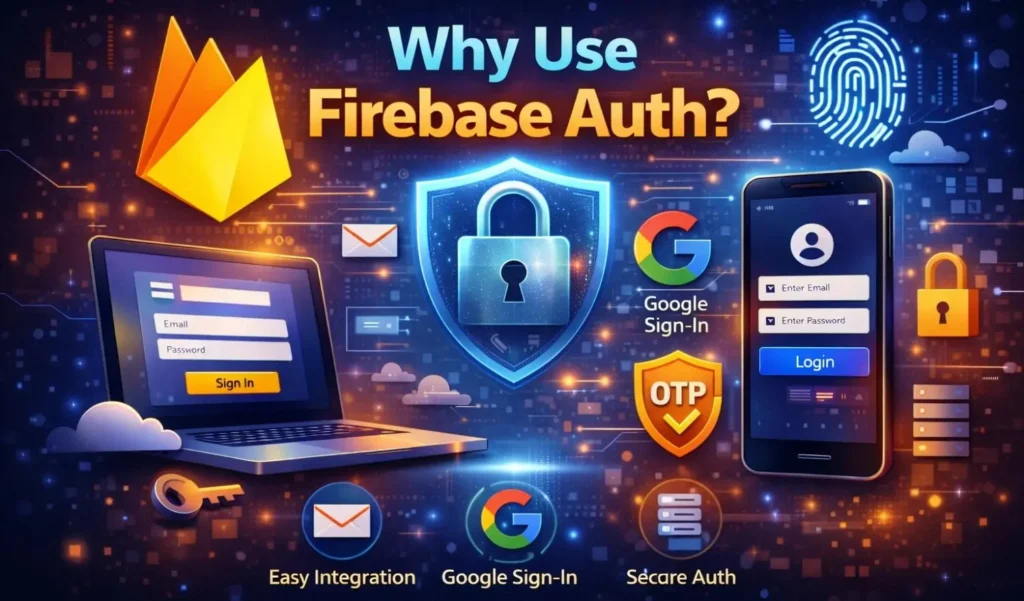
Why Use Firebase Auth?
Here are the main reasons developers prefer Firebase Authentication:
1. Quick Setup
You can configure a working login system within minutes.
2. Multiple Sign-In Methods
Supports:
- Email & Password
- Google Sign-In
- Phone Authentication
- Anonymous Login
- OAuth providers
3. Security by Default
Passwords are securely hashed and stored. Tokens are managed using industry-standard security practices.
4. Scalability
Firebase runs on Google infrastructure, allowing your authentication system to scale automatically.
5. Cross-Platform Support
Works seamlessly with Web, Android, iOS, and backend services.

Step 1: Create a Firebase Project
To begin:
- Visit Firebase Console.
- Click Create Project.
- Enter a project name.
- Complete setup.
Once created, you will access your Firebase dashboard.
Step 2: Enable Authentication
- Navigate to Authentication from the left panel.
- Click Get Started.
- Open the Sign-in Method tab.
- Enable your preferred login methods.
For example:
- Enable Email/Password
- Enable Google
- Enable Phone
Click Save after enabling.
Step 3: Implement Email & Password Authentication
This is the most common authentication method.
Web Example (JavaScript)
import { getAuth, createUserWithEmailAndPassword } from"firebase/auth";constauth=getAuth();createUserWithEmailAndPassword(auth, email, password).then((userCredential) => {constuser=userCredential.user;console.log("User created:", user); }).catch((error) => {console.log(error.message); });
Login Example
import { signInWithEmailAndPassword } from"firebase/auth";signInWithEmailAndPassword(auth, email, password).then((userCredential) => {console.log("Login successful"); }).catch((error) => {console.log(error.message); });
That’s it. Firebase handles token generation and session management automatically.
Step 4: Implement Google Sign-In
Google Sign-In improves user experience by reducing signup friction.
Enable Google Provider
- Authentication → Sign-in Method
- Enable Google
- Select support email
- Save
Web Implementation
import { GoogleAuthProvider, signInWithPopup } from"firebase/auth";constprovider=newGoogleAuthProvider();signInWithPopup(auth, provider).then((result) => {console.log(result.user); }).catch((error) => {console.log(error.message); });
Users can now log in using their Google accounts instantly.
Step 5: Phone OTP Authentication
Phone authentication is particularly useful for:
- Reward apps
- Earning platforms
- Region-based services
- Fraud prevention
After enabling Phone authentication:
- Configure reCAPTCHA for web.
- Add test phone numbers for development.
Phone verification strengthens account security and reduces fake account creation.
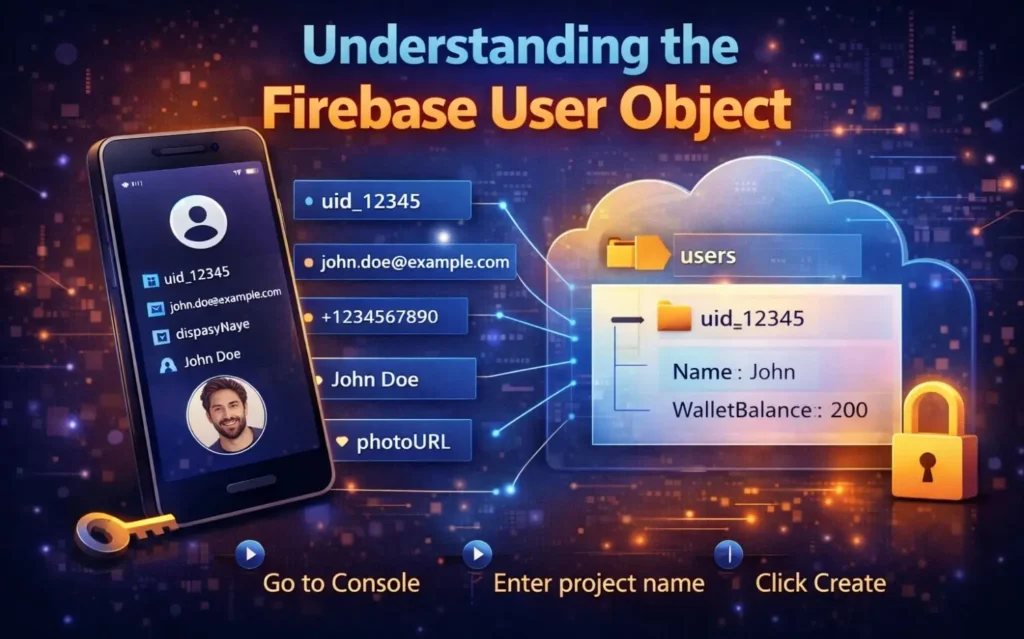
Understanding the Firebase User Object
After successful login, Firebase returns a user object containing:
uid(unique identifier)emailphoneNumberdisplayNamephotoURL
The uid is critical. It uniquely identifies each user and should be used to store user-specific data in Firestore or Realtime Database.
Example database structure:
users/ uid_12345/ name: "John" walletBalance: 200
This ensures structured and secure data management.
Securing Your Application with Firestore Rules
Authentication alone is not enough. You must enforce proper database security rules.
Example Firestore rule:
rules_version = '2';service cloud.firestore { match /databases/{database}/documents { match /users/{userId} { allow read, write: if request.auth.uid == userId; } }}
This ensures that users can only access their own data.
Without proper rules, your database could be publicly readable — which is a major security risk.
Handling Common Firebase Auth Errors
Some common authentication errors include:
auth/email-already-in-useauth/invalid-emailauth/wrong-passwordauth/user-not-found
Best practice:
Do not display raw error messages to users. Instead, show user-friendly messages like:
- “This email is already registered.”
- “Incorrect password. Please try again.”
This improves user experience and prevents exposing system details.
Advanced Best Practices
To make your authentication system production-ready:
1. Enable Email Verification
Require users to verify their email before granting full access.
2. Use Strong Password Policies
Enforce minimum length and complexity.
3. Implement App Check
Protect backend resources from abuse.
4. Always Use HTTPS
Never deploy authentication over unsecured connections.
5. Prevent Multiple Account Abuse
For reward-based apps, require phone verification or device tracking.
6. Monitor Authentication Activity
Use Firebase Analytics and logs to track unusual activity.
When Firebase Auth May Not Be Ideal
Although powerful, Firebase Auth may not be suitable if:
- You require highly customized enterprise authentication flows.
- You need full control over server-side authentication logic.
- You are building an on-premise solution.
In such cases, a custom backend authentication system may be preferable.
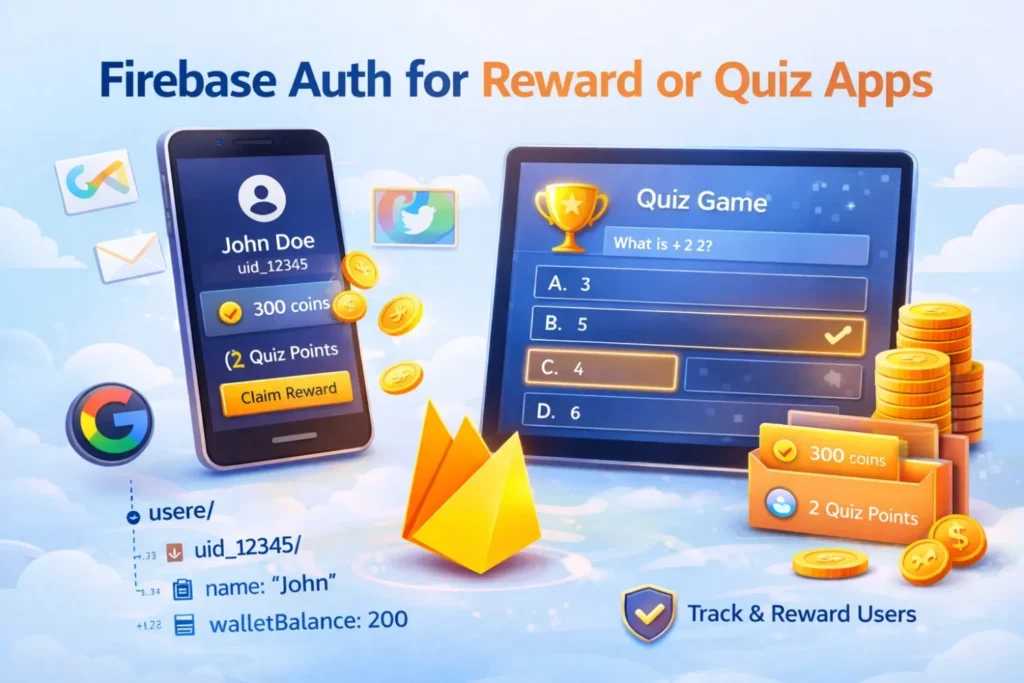
Firebase Auth for Reward or Quiz Apps
If you are building a reward-based or earning application, Firebase Auth provides strong advantages:
- Unique UID per user
- Easy wallet linking via UID
- Phone verification support
- Scalable infrastructure
- Fraud reduction support
Combining authentication with proper Firestore rules ensures your reward logic remains secure.
You May Like : I Built My First Android App – Here’s the Truth
Final Thoughts
Firebase Authentication offers a powerful, secure, and scalable solution for modern app authentication. From simple email login to advanced multi-provider systems, it significantly reduces development time while maintaining enterprise-level security standards.
This Firebase Auth Guide covered:
- What Firebase Authentication is
- How to enable and configure sign-in methods
- Web implementation examples
- Security rules
- Error handling
- Best practices
If implemented correctly, Firebase Auth can handle millions of users while keeping your system secure and efficient.
FAQs
Is Firebase Auth free?
Firebase provides a generous free tier with limits. Beyond that, pricing depends on usage.
Is Firebase Authentication secure?
Yes. It uses secure hashing, token-based authentication, and Google-managed infrastructure.
Can I use multiple login methods together?
Yes. You can enable multiple providers such as Email and Google simultaneously.
Does Firebase manage sessions automatically?
Yes. It handles session persistence and token refresh automatically.
Can Firebase Auth scale for large apps?
Yes. It is designed to scale with high user volumes.