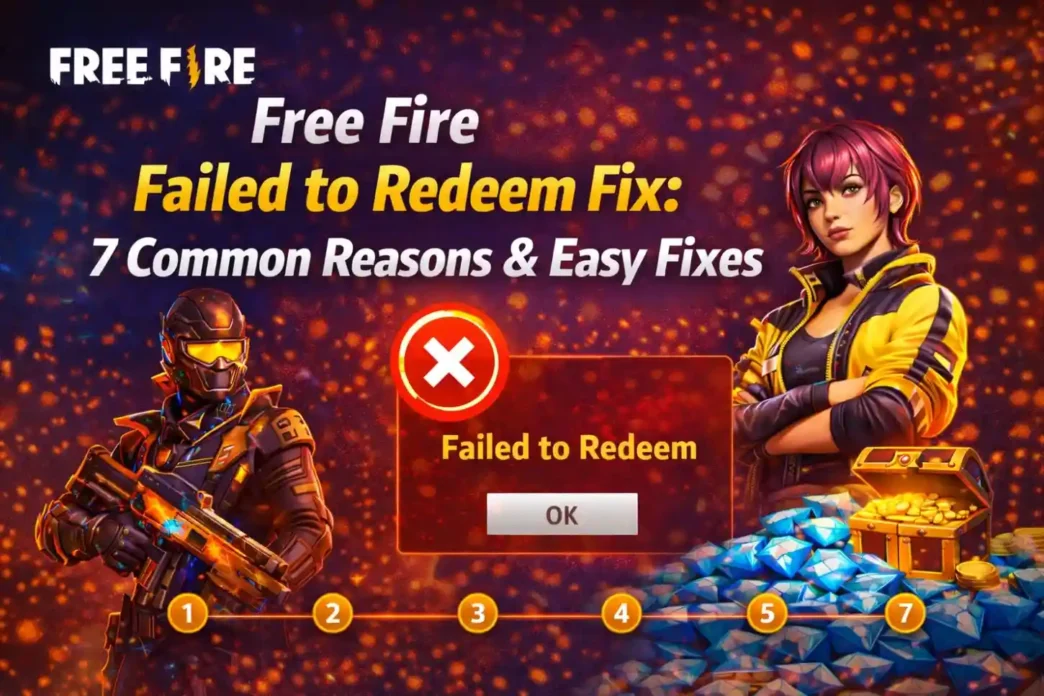
Free Fire Failed to Redeem Fix explained. Learn 7 common reasons why redeem codes fail and easy step-by-step solutions that actually work in 2026.
If you’ve ever entered a redeem code in Free Fire and suddenly saw the frustrating message “Failed to Redeem”, you’re not alone. Thousands of players face this issue every single day—especially during big events and code drops.
The good news?
Most of the time, this error is easy to fix.
In this complete guide, you’ll learn the real reasons behind the error and the exact Free Fire Failed to Redeem Fix methods that actually work. No myths, no hacks—just clean, safe solutions.
What Does “Failed to Redeem” Mean in Free Fire?
When Free Fire shows a Failed to Redeem message, it simply means the reward system could not process your code. This doesn’t always mean the code is fake—it could be expired, region-locked, or used incorrectly.
Understanding why it happens is the first step toward a proper Free Fire Failed to Redeem Fix.
7 Common Reasons Behind the Error (And How to Fix Them)
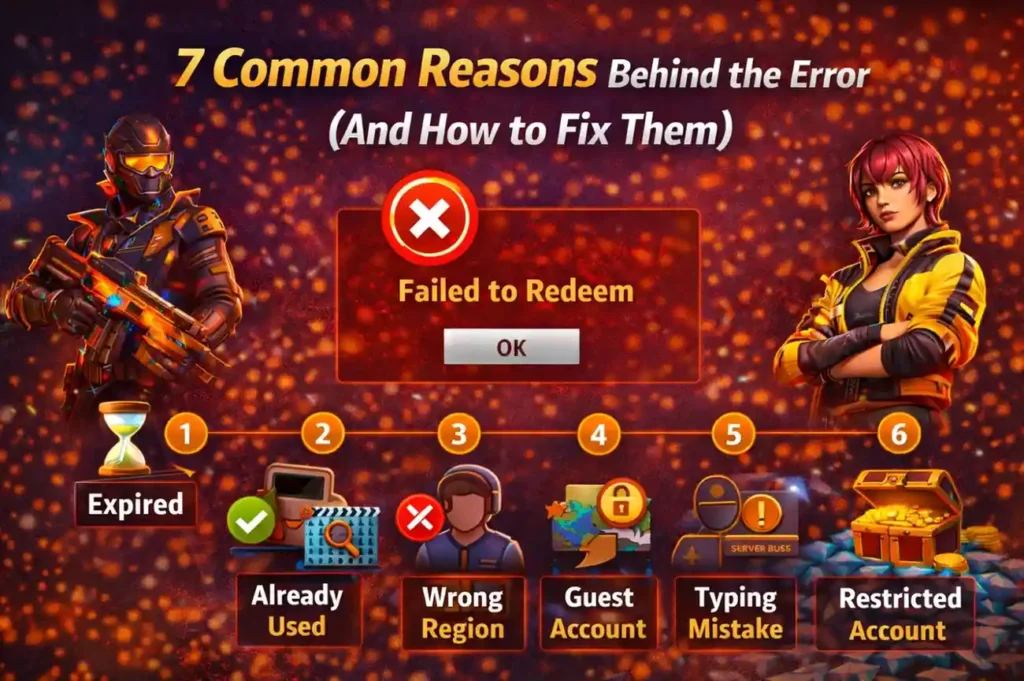
Code Has Expired
This is the number one reason.
Most Free Fire redeem codes:
- Work for only 12–24 hours
- Are limited to a certain number of users
Fix:
Always use codes as soon as they’re released. If it’s old, no Free Fire Failed to Redeem Fix will revive it.
Code Already Used
Each code can be redeemed only once per account.
Fix:
If you’ve used it before, try a new code. There’s no workaround for reused codes.
Wrong Region or Server
Many codes are region-specific (India, Brazil, Singapore, etc.).
Fix:
Use codes meant for your server. A global code is rare—this is a very common Free Fire Failed to Redeem Fix scenario.
Logged in With Guest Account
Guest accounts cannot redeem codes.
Fix:
Link your account with:
- VK
Then retry. This is one of the most effective Free Fire Failed to Redeem Fix methods.
Typing Mistake in the Code
Redeem codes are case-sensitive and exactly 12 characters.
Fix:
- Copy–paste the code
- Avoid spaces
- Double-check letters and numbers
A single wrong character = failed redemption.
Server Is Busy
During big events, the reward server can overload.
Fix:
Wait 10–15 minutes and try again. Sometimes patience is the Free Fire Failed to Redeem Fix.
Temporary Account Restriction
If your account violated rules earlier, rewards may be blocked.
Fix:
Contact Garena support and avoid third-party tools. There’s no instant fix here—but it’s still better than guessing.
The Correct Way to Redeem Free Fire Codes
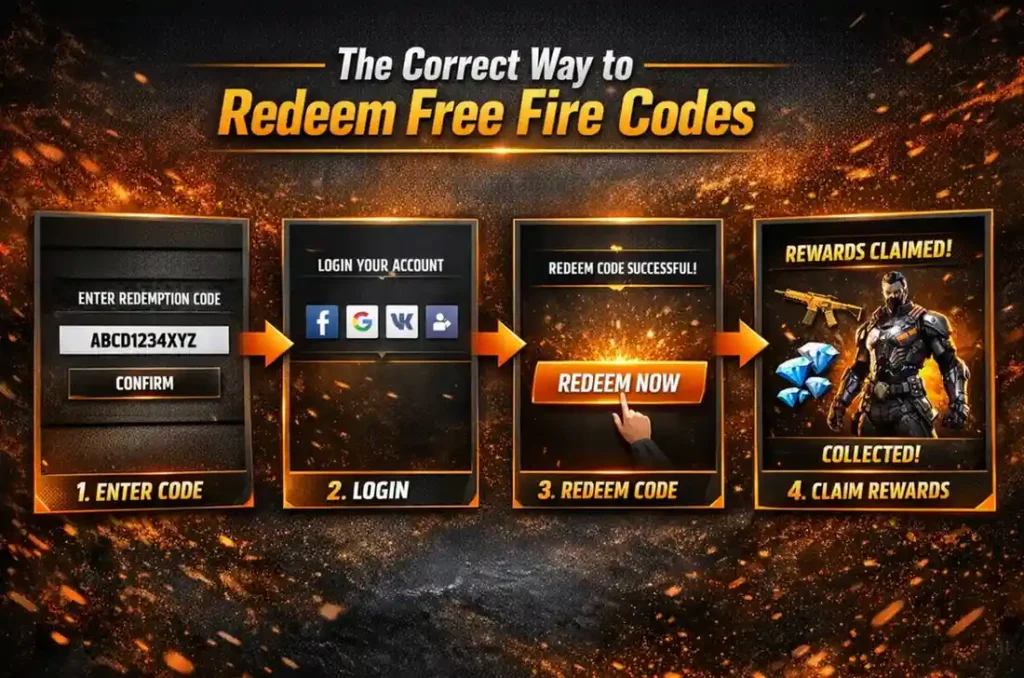
Follow these steps carefully:
- Go to the official redemption site
- Log in using a linked account (not guest)
- Paste the redeem code
- Click Confirm
- Check your in-game mailbox within 24 hours
Doing this properly prevents most Free Fire Failed to Redeem Fix issues before they even start.
What You Should NEVER Do
To avoid permanent problems, never:
- Use “diamond hack” sites
- Download mod APKs
- Share account details
- Trust random Telegram bots
These don’t fix the issue—they create bigger ones.
How Long Does It Take to Receive Rewards?
If redemption is successful:
- Rewards arrive within minutes
- Sometimes up to 24 hours
If nothing arrives after that, recheck the code or your login method.
Pro Tips to Avoid Failed Redemption in Future
- Use fresh codes only
- Bookmark the official redeem site
- Follow official Free Fire social channels
- Redeem early—don’t wait
Prevention is the best Free Fire Failed to Redeem Fix.
Frequently Asked Questions (FAQ)
Q1. Why does Free Fire keep saying failed to redeem?
Because the code is expired, already used, server-restricted, or your account isn’t eligible.
Q2. Is there any trick to fix failed to redeem instantly?
No tricks—only valid codes, correct login, and patience. That’s the real Free Fire Failed to Redeem Fix.
Q3. Can guest accounts redeem codes?
No. You must link your account first.
Q4. Are redeem code hacks real?
No. They’re fake and risky. Avoid them completely.
Q5. What if the code is valid but still fails?
Wait and retry later. Server load is often the reason.
Final Thoughts
Seeing “Failed to Redeem” can be annoying—but in most cases, the solution is simple. By understanding the reasons and following this guide, you’ll never panic again when it happens.
Use these tips, stay safe, and remember:
The best Free Fire Failed to Redeem Fix is using valid codes the right way.